Location Types
Location types ensure that your sites are correctly categorised. This allows locations to be scored accurately, as different location types use different metrics and scoring weights in order to calculate the most effective score based on our pre-determined metrics and calculations.
Breakdown of location types
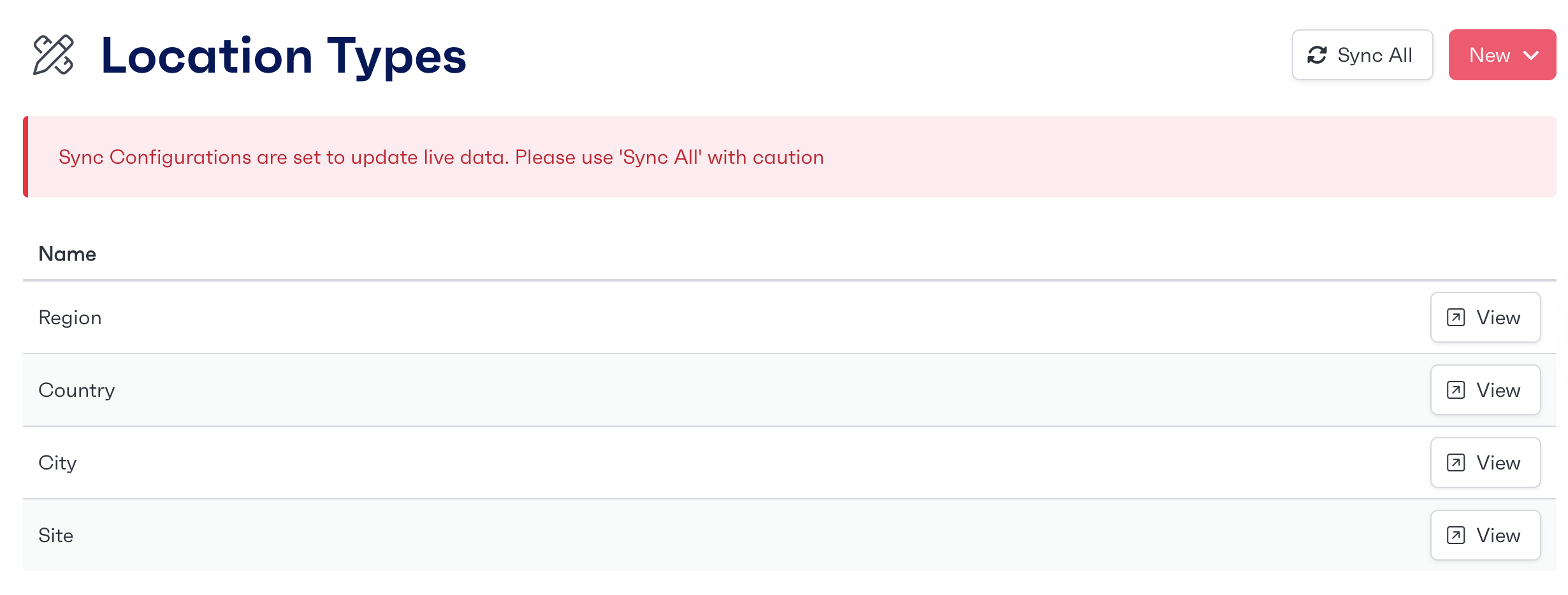
Each client can customise how their locations are broken down. As default the locations are broken down into the categories below:
Region
Country
City
Site
These are further broken down and categorised where needed in order to score REbot correctly.
You can view current and existing location types on the 'Location Types' tab.
Creating new location types
If the standard breakdown of locations is not suitable, new types can be added to match the company breakdown. This could include 'Building' type or even 'Basement' where applicable.
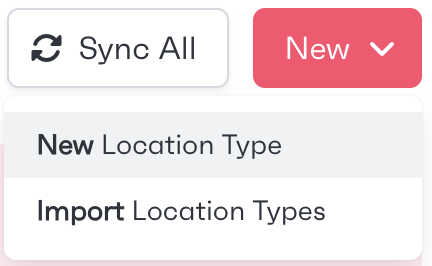
To create new location types, first navigate to the 'Location Types' page from the administration tab on the left of the screen. There will be a 'New Location Type' button in the top right hand of the screen. This will allow admins to create further breakdowns of locations.