Dates
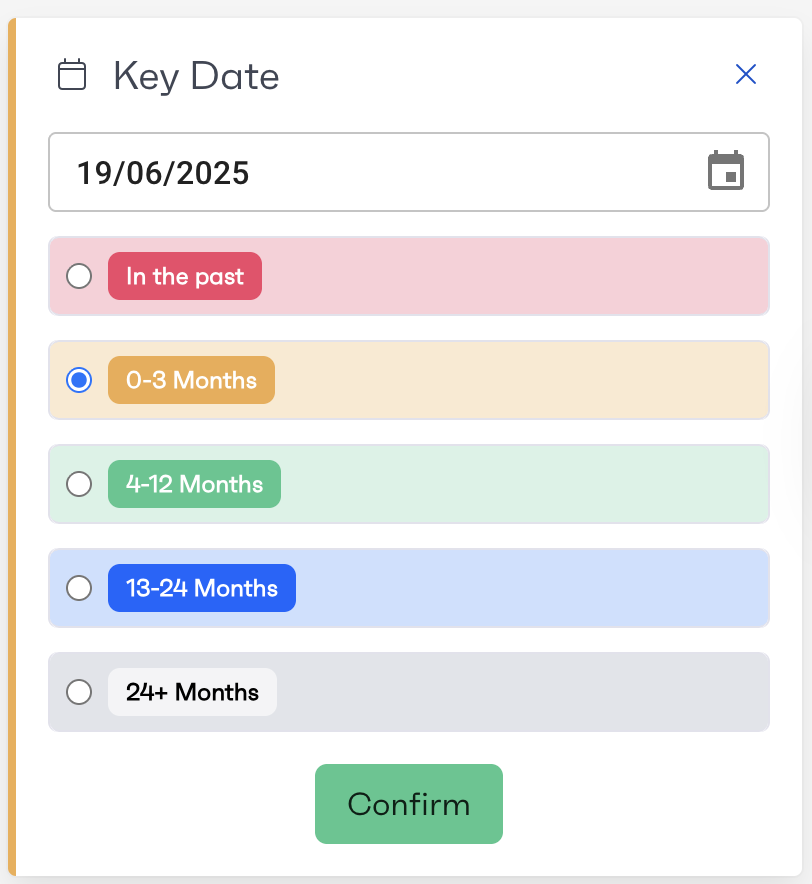
Dates can be used in the system to either mark when an activity has been completed or to schedule it. Date activities can be used to drive a bar chart on the workflows overview page, displaying the number of upcoming dates grouped by week.
A single date can have a corresponding status, very similar to a status list except that the emphasis is on the date. For example, this could be used for a critical meeting that happens per project, the date would be the date the meeting takes place, and the status could be 'Behind Schedule', 'On Schedule', 'Ahead of Schedule'.