
Workflow Dashboards
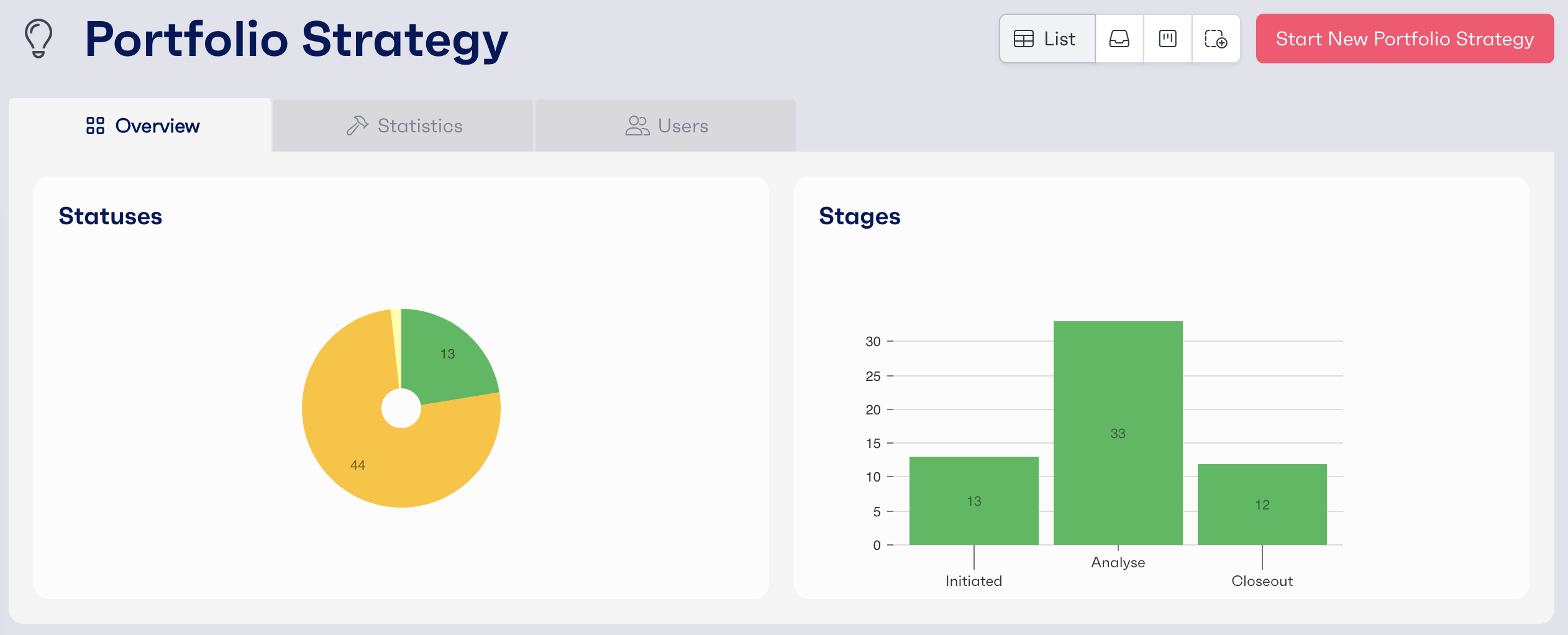
To navigate to a dashboard, select the specific workflow you require from the list on the left-hand menu within REflow. This will display all workflows under that workflow template. These dashboards can be customised by an admin to display whatever data is relevant.
Default Views
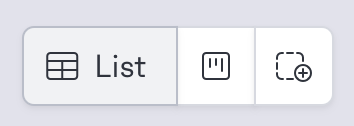
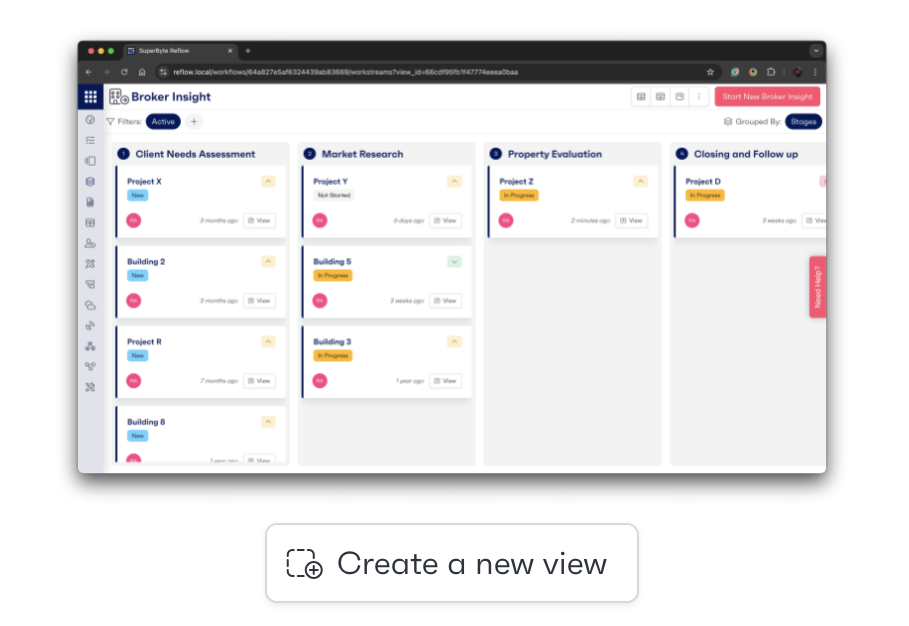
Two default views will be pre-configured for the workflow dashboard as standard. The list view sorts the workflows by last updated. Additionally, the board view groups the workflows into stages and sorts by last updated. You can swap views by clicking on the toggle at the top of the dashboard.
Creating New Views

Admins can create custom views by either clicking on the plus icon at the top of the dashboard or via the workflow administration page under the 'Views' tab where there will be an option to select either 'List' or 'Board' view. Once selected, grouping and sorting options can be configured with any boards and cards for the dashboard.
Step-By-Step Guide