
What are Programmes?
Programmes allow users to create specified templates for their workflows, allowing them to retain Team members, workflow links, statuses and types across their workflows if they choose.
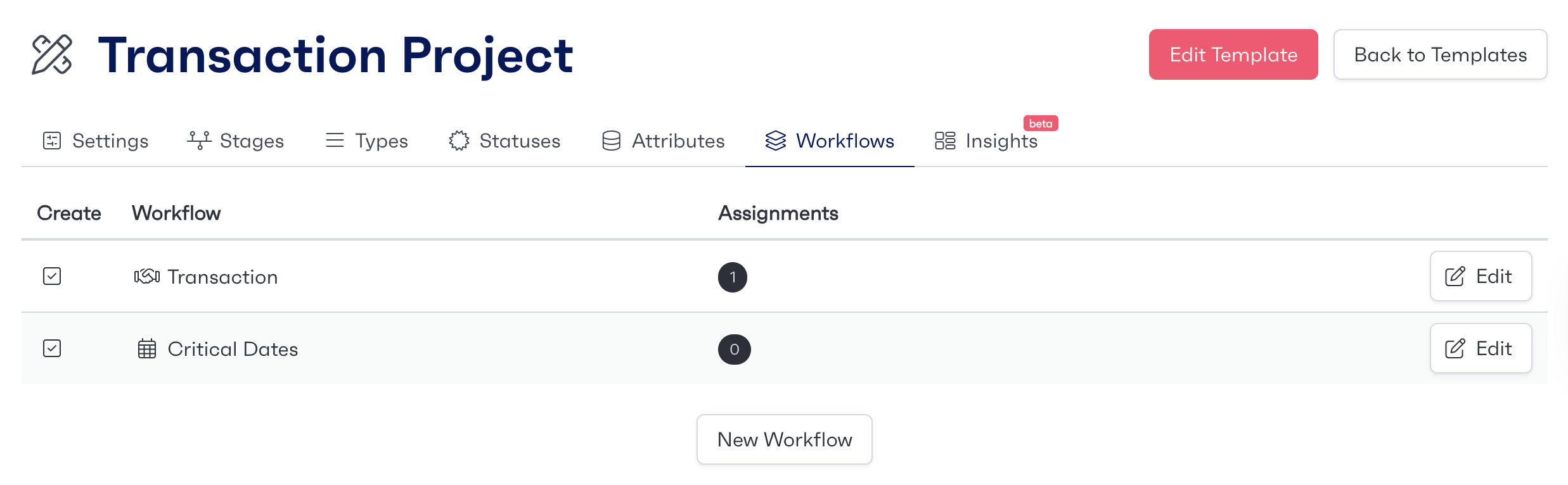
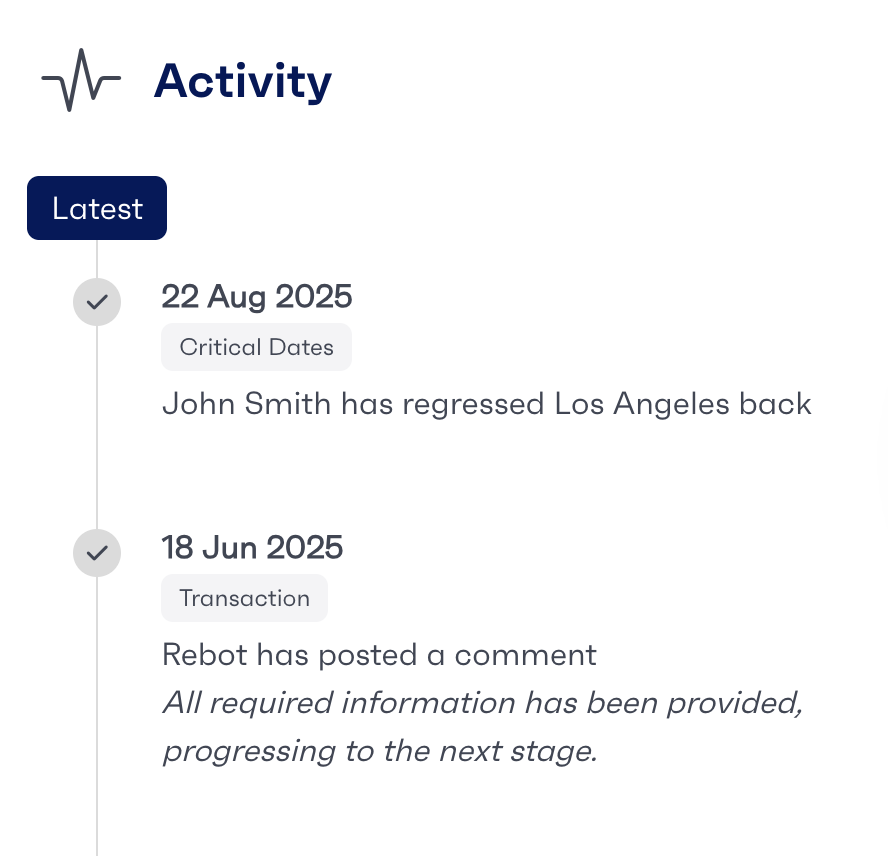
Programmes also come with a dashboard available, which allows users to view a summary of all currently active workflows and their statuses, and additional information such as the recent activity performed on a workflow. The fields that are shown throughout a programme menu are based on the existing templates that are available.
Starting a New Programme
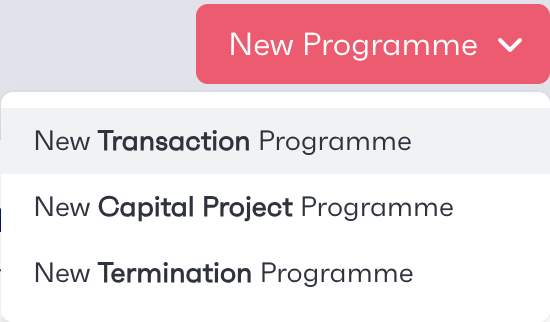
To start a new programme, first navigate to ‘Programmes’ from the list on the left hand menu. At the top right of the page is a ‘New Programme’ button.
When hovered over, a list of available programme templates appears. Once one is selected, users will need to enter different project information depending on the template selected.
Project Details
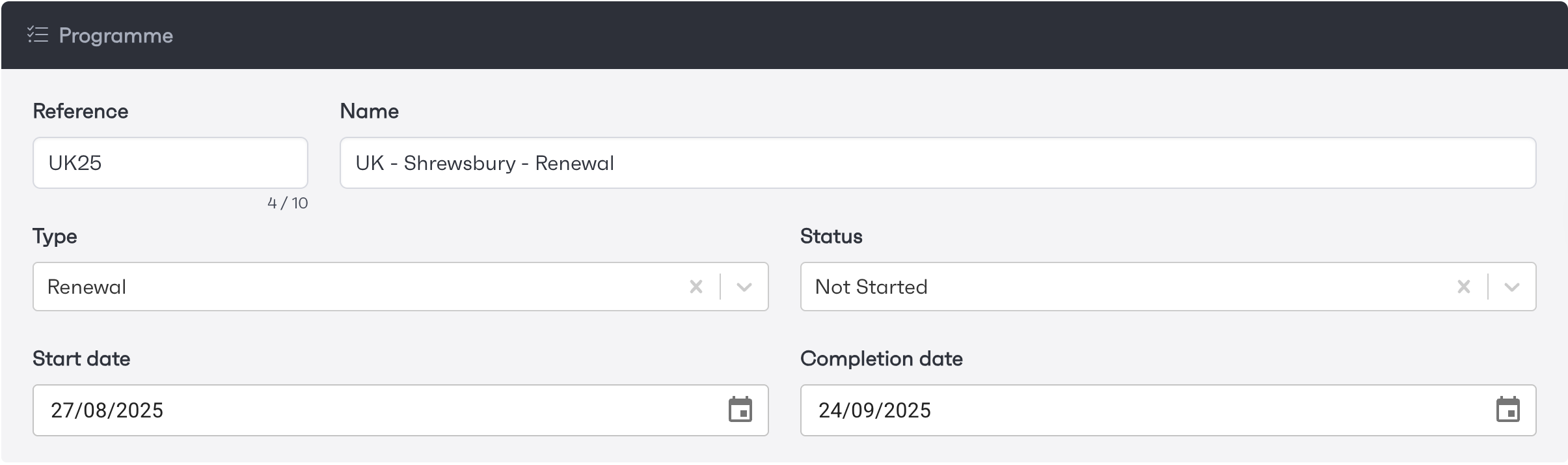
Once you create your programme, you will be required to enter some project details before proceeding. This will include, name, status, start and estimated completion date. These fields are comprised of text entries, dropdown selects and date pickers.
Adding Members
The Owner of the Programme will automatically be set as yourself as you are creating it. Adding ‘Members’ will grant users access to the workflows that the programme is associated with and they will be able to edit and add new team members to individual workflows where required.
Workstream management
With the use of programmes, users can build out and add additional workstreams where needed. This can be done at any stage of the process, on workflow creation or even afterwards if needed.
Our automations can be used to monitor existing workstreams and identifies which modules are connected across projects. Automations can also be utilised to trigger appropriate actions based on events that take place on other workstreams within the programme.